Operational challenge 01
Scattered participant tracking
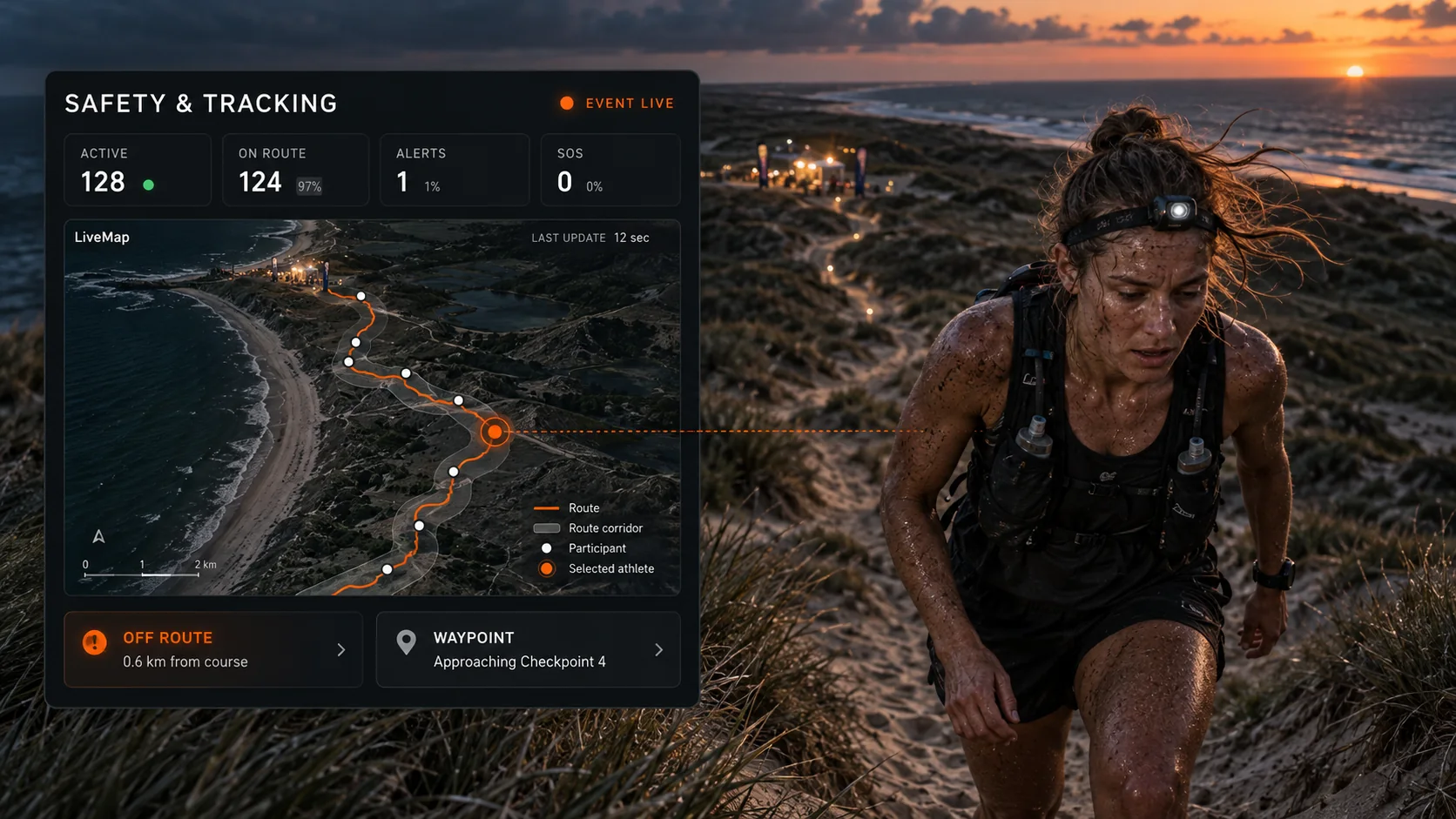
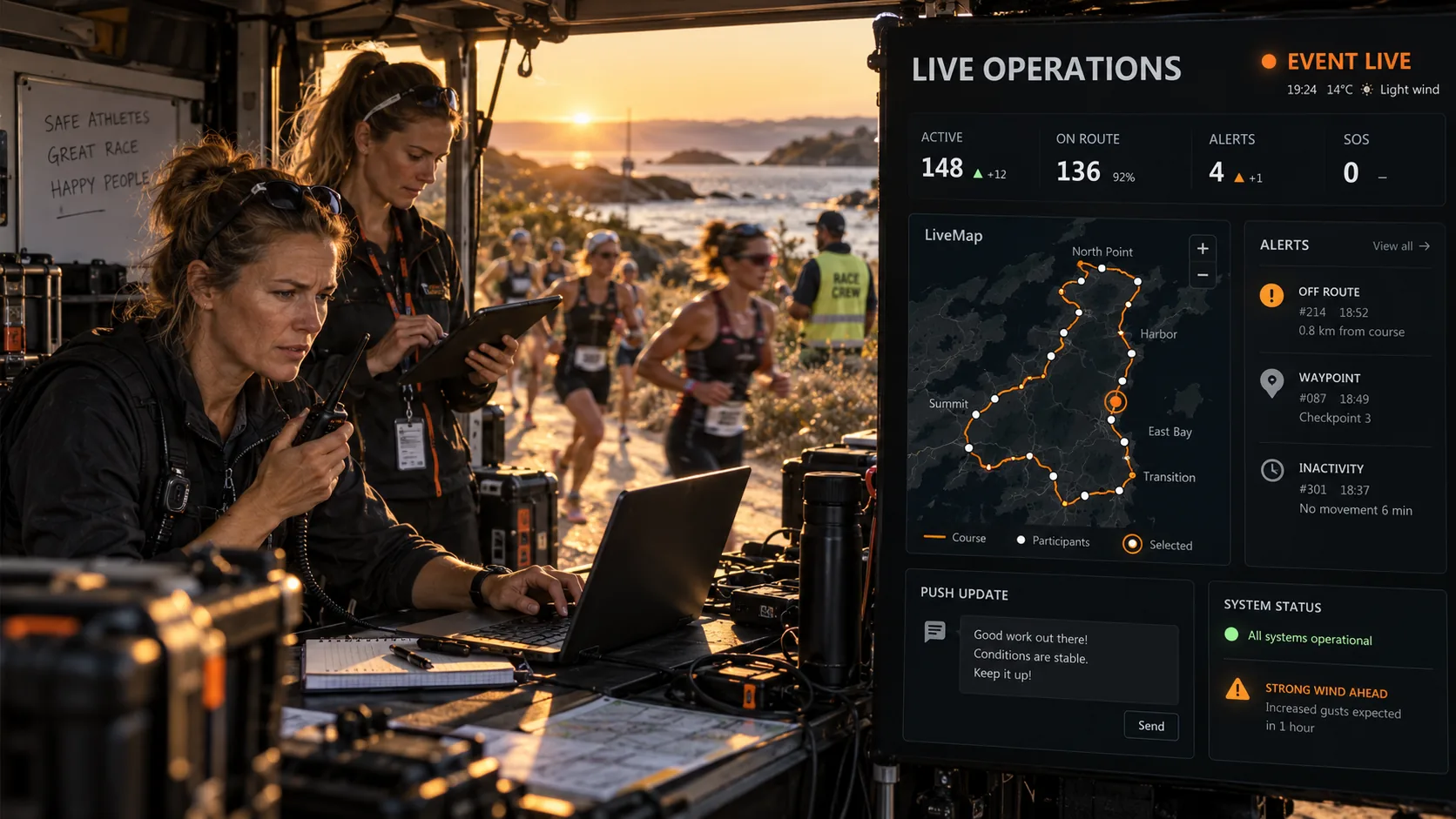
See participants, teams or boats on one shared live map
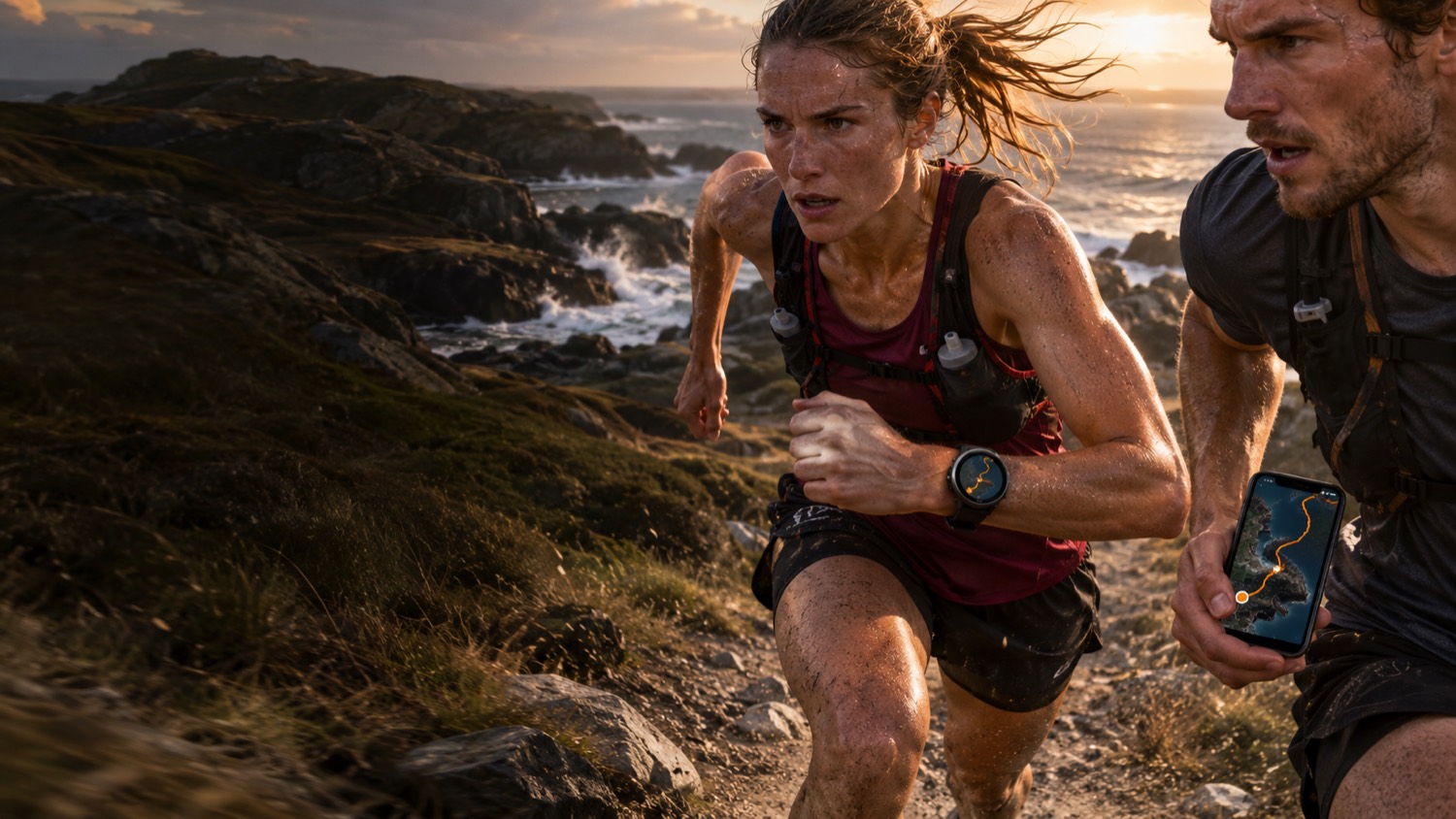
Follow participants on a live GPS map, receive SOS alerts and share updates, photos and video from the course.
Athletes track with their phone or watch. See their live positions as the race unfolds.
Live GPS · Phone and Smartwatch
No dedicated tracking hardware required Works with smartphones, smartwatches, cameras and configurable field feeds Built for events of every size
Proven in the field
DanishUltra 2026
During an event, organizers must manage participants, routes, safety, volunteers, communication, media, spectators and partners — all at the same time. Track to Screen brings the essential workflows together and automates the parts that should not require constant human attention.
01/05
1 of 5: Scattered participant trackingOperational challenge 01
See participants, teams or boats on one shared live map
One operational picture connects the route, the field, the production room and every audience surface.
01/05
1 of 5: Event ManagementModule 01
Events, participants, routes, categories, waypoints, branding and access
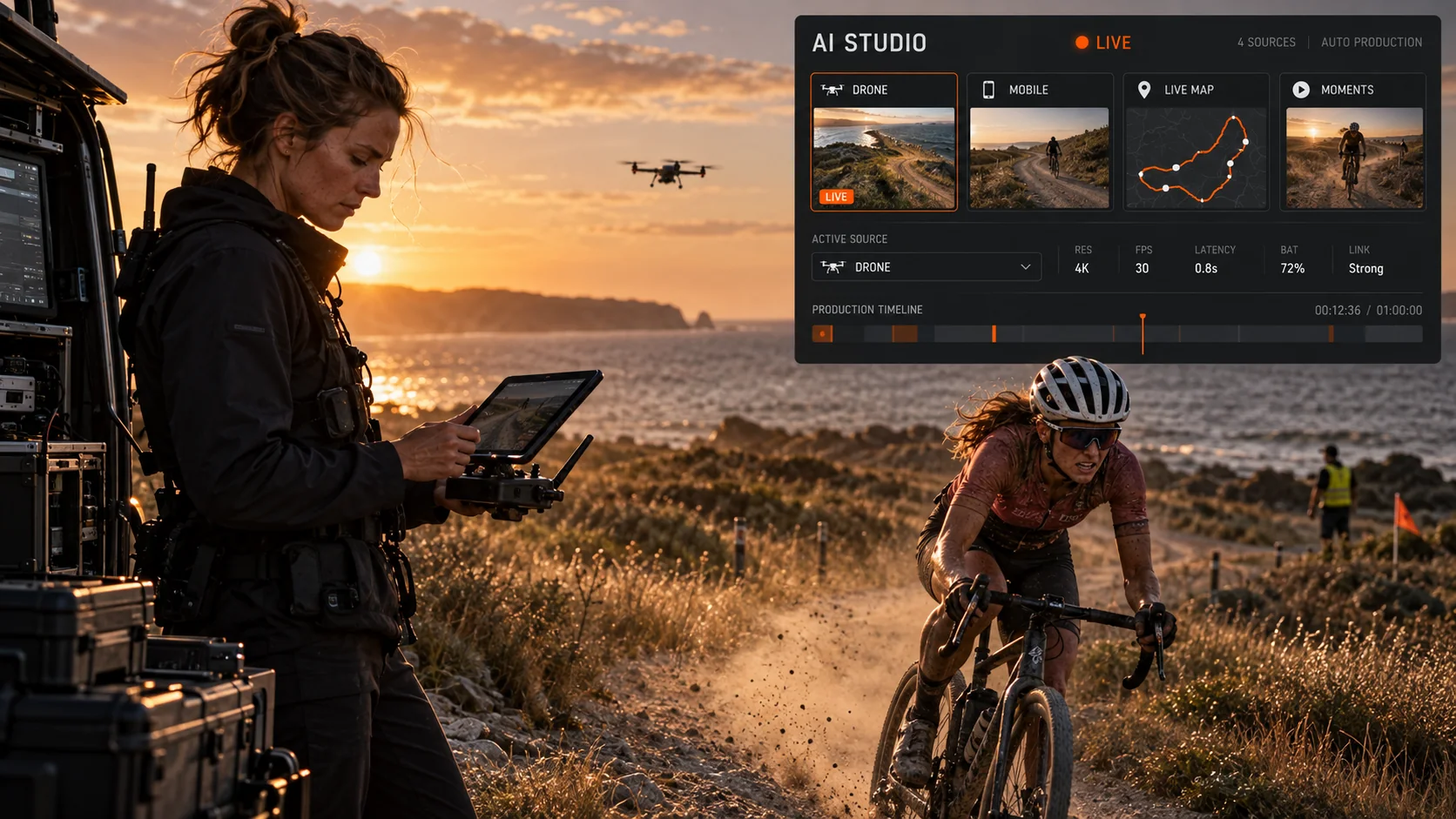
AI Studio follows the event while your organization runs it. It continuously analyzes live positions, race development, participant data, photos, videos and available camera feeds — and combines the most relevant moments into a dynamic broadcast experience.
AI Studio does not add another task to your event. It removes one.
Stage 1
Stage 2 · Production engine
Event progress · current scene
Stage 3
Human control stays available
AI handles the continuous base production. Organizers can approve, prioritize or override whenever needed.
 Instagram
 YouTube
 Facebook
 Apple TV
 Chromecast
 Strava

AI Studio can operate as an automated production or as an intelligent foundation for a human-controlled broadcast.
The same connected event data serves operations, participants, audiences and commercial partners in different ways.
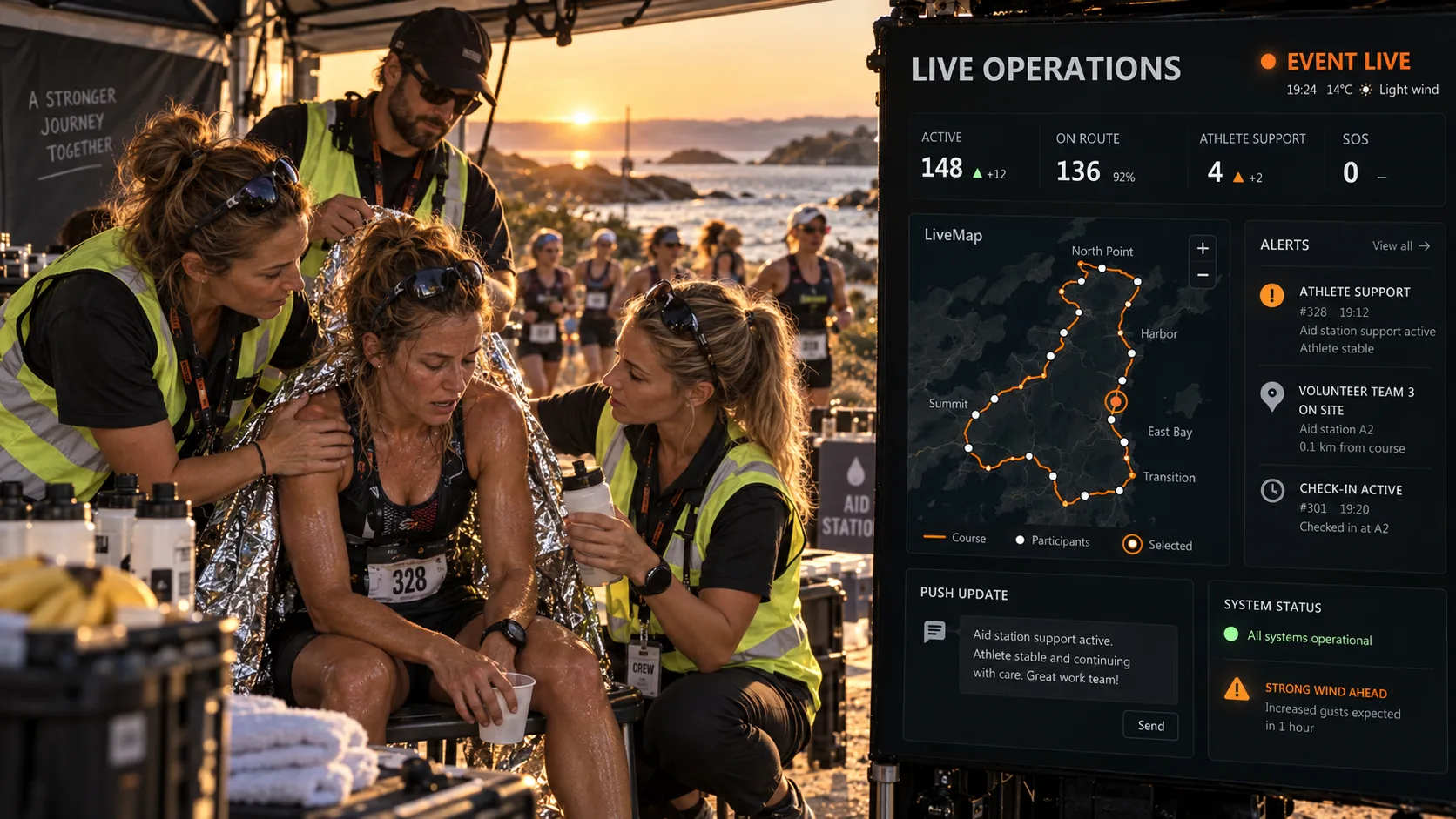
For event operations
Keep the operational picture connected while automation handles repetitive monitoring and production work. That shared event overview frees your team to help the people who need it while the wider field remains visible.
Add routes, participants, categories, waypoints, branding and partner assets.
Participants track through the app while smartphones, cameras, photographers and drones contribute live content.
Monitor participants, safety, communication, uploads and event development.
AI Studio transforms live data and media into an updated audience feed and subsequent replay.
Configure the same connected foundation around the route, duration, media setup and organization behind your event.
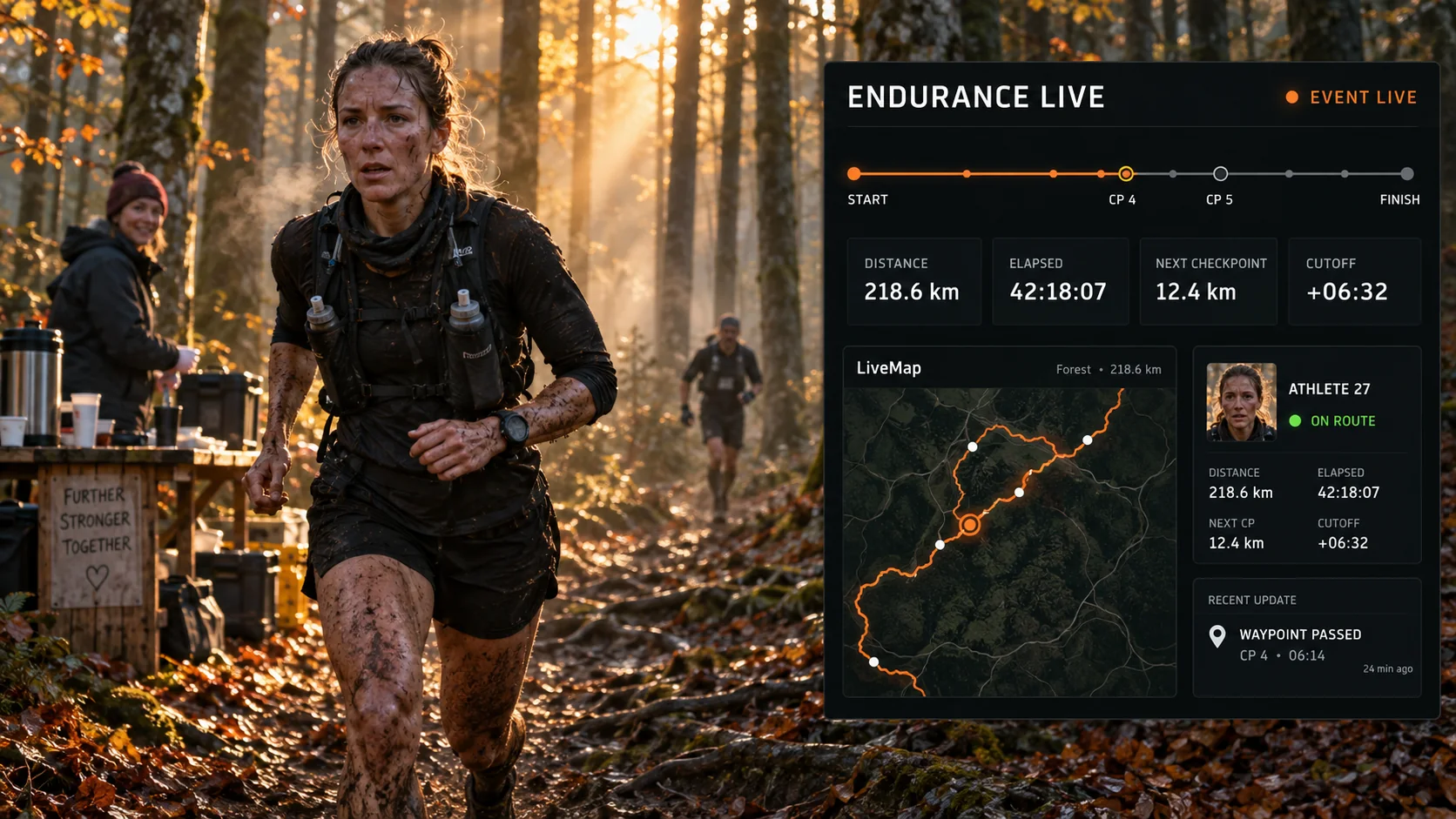
Long-duration tracking, large geographical areas, checkpoints, safety and continuous coverage.
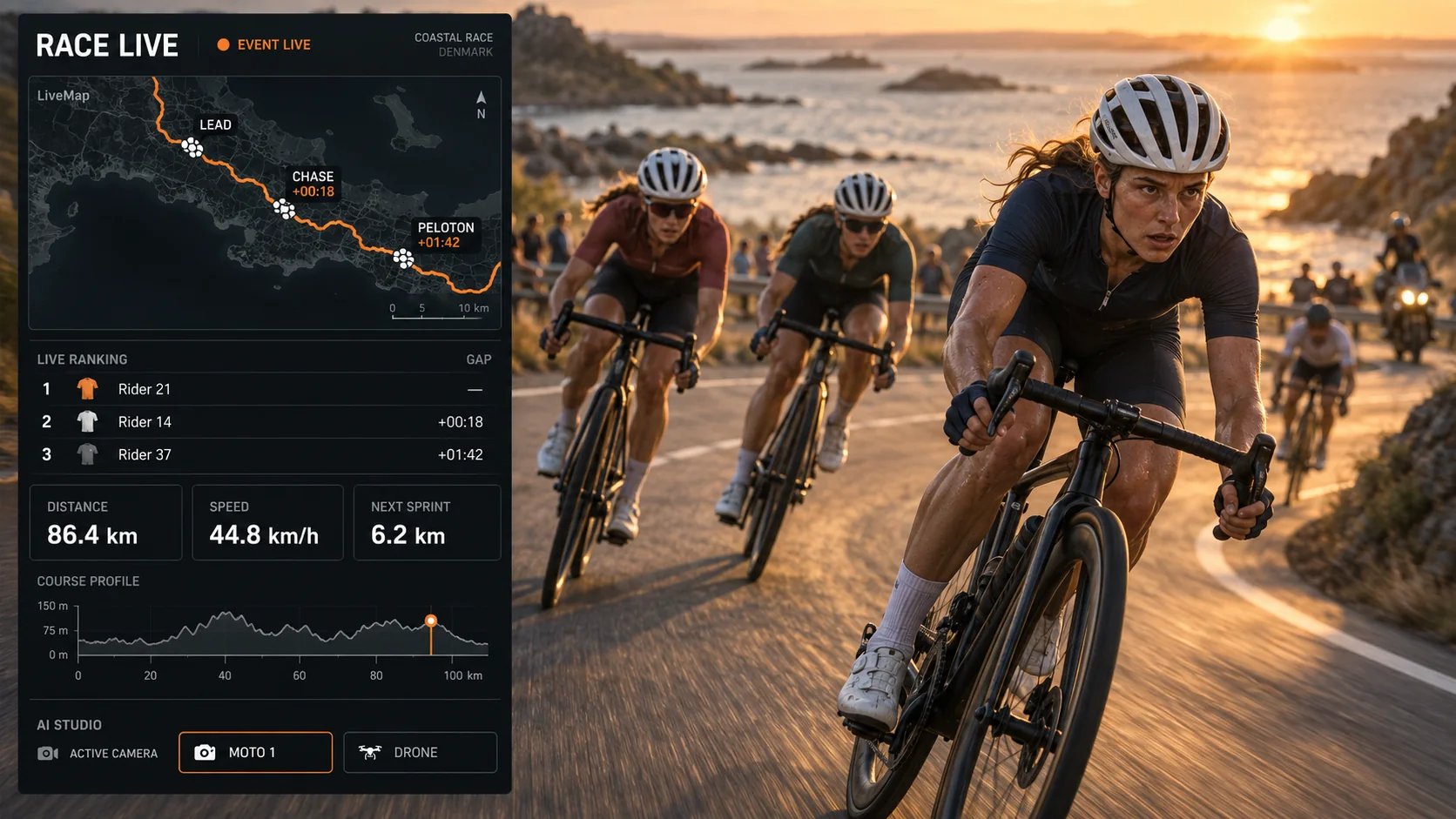
Multiple disciplines, rapid position changes, rankings and audience coverage across the route.
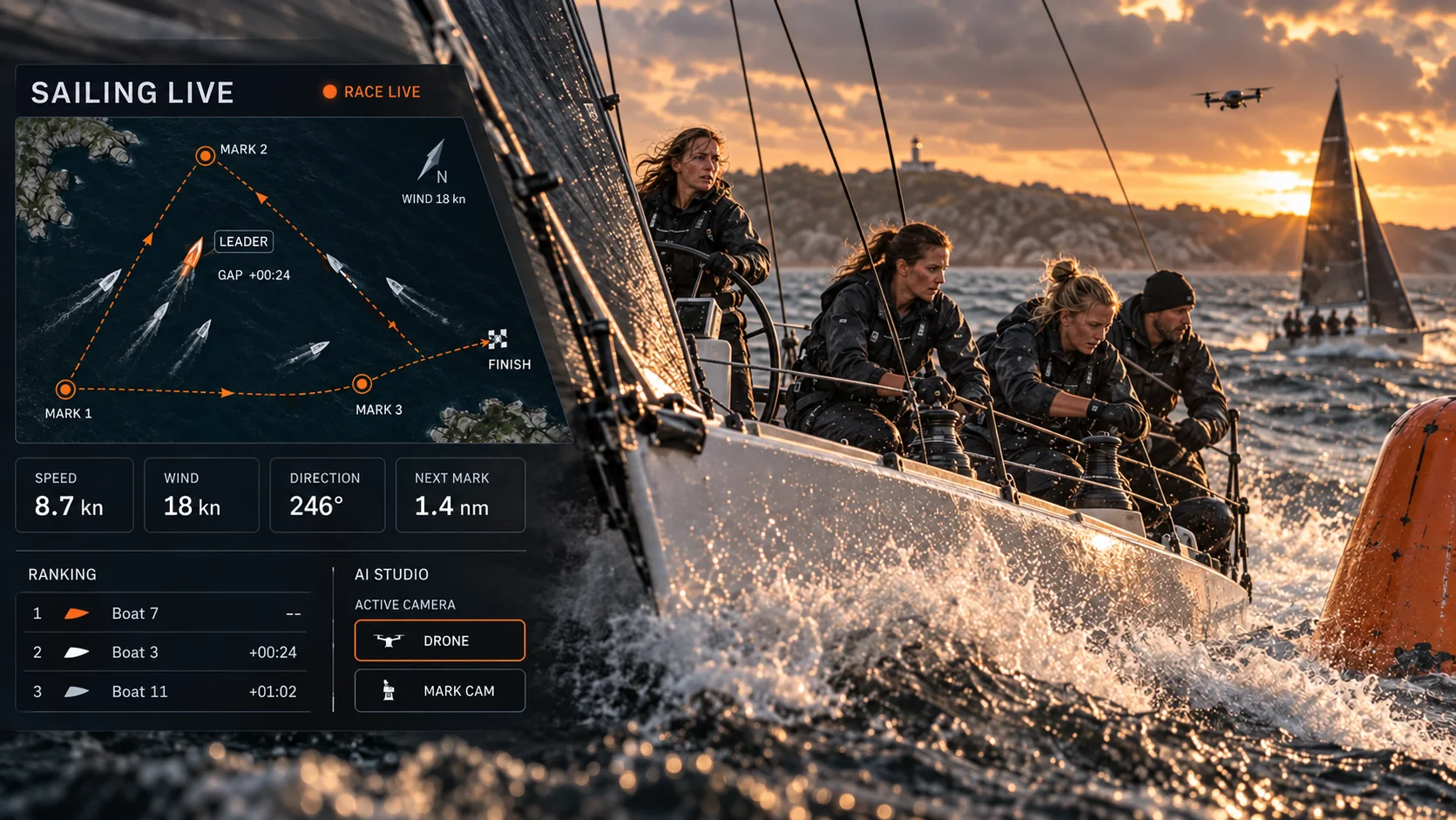
Waypoints, free route selection between marks, live positions, weather context and drone feeds.
A professional digital experience without a large production organization.
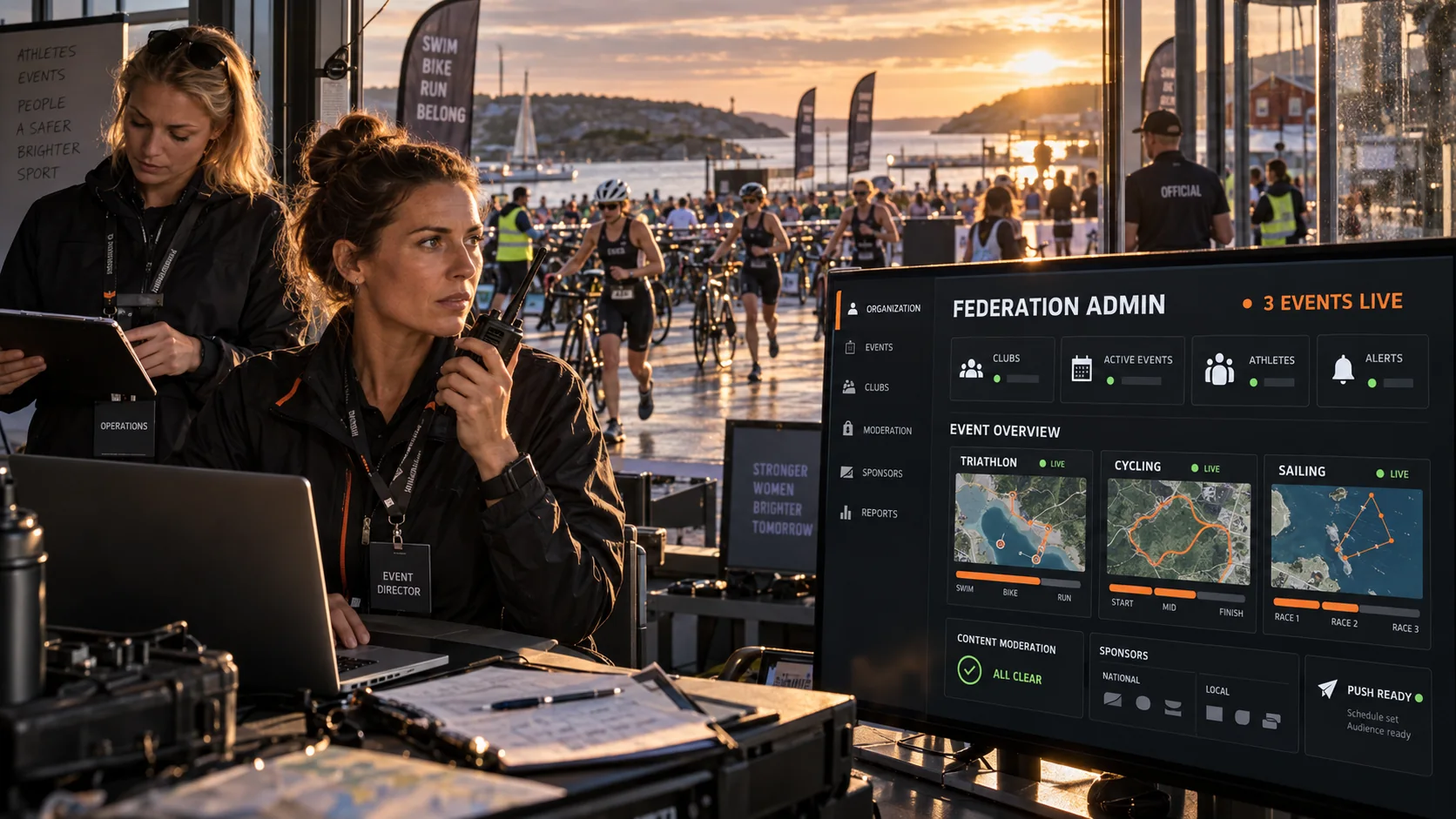
Central administration, member clubs, common branding, moderation, sponsor packages and cross-event data.
Real event performance connects operational delivery with measurable audience reach.
01/02
DanishUltra 2026 · 8 sec rotation1 of 2: DanishUltra 2026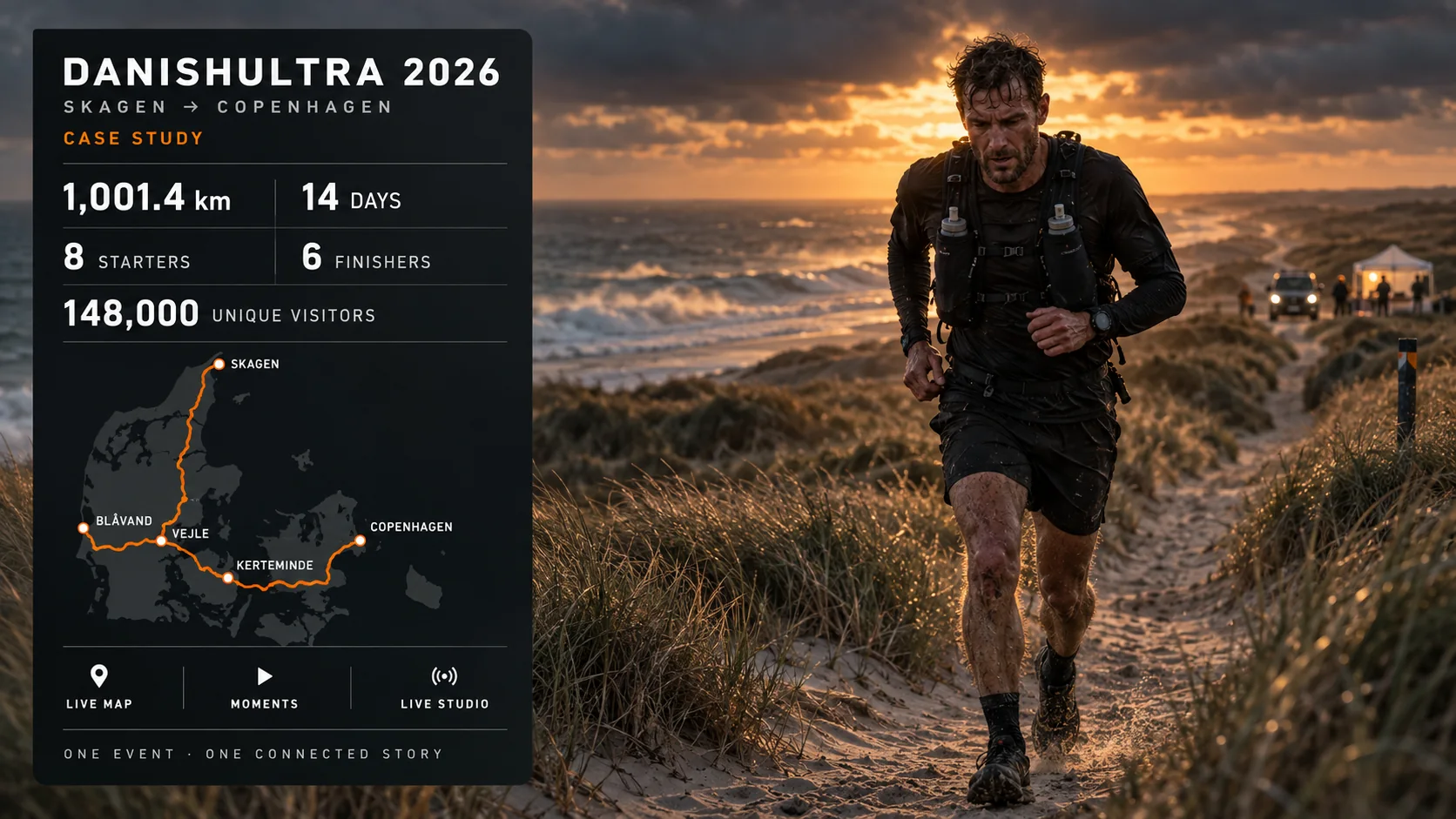
Event case
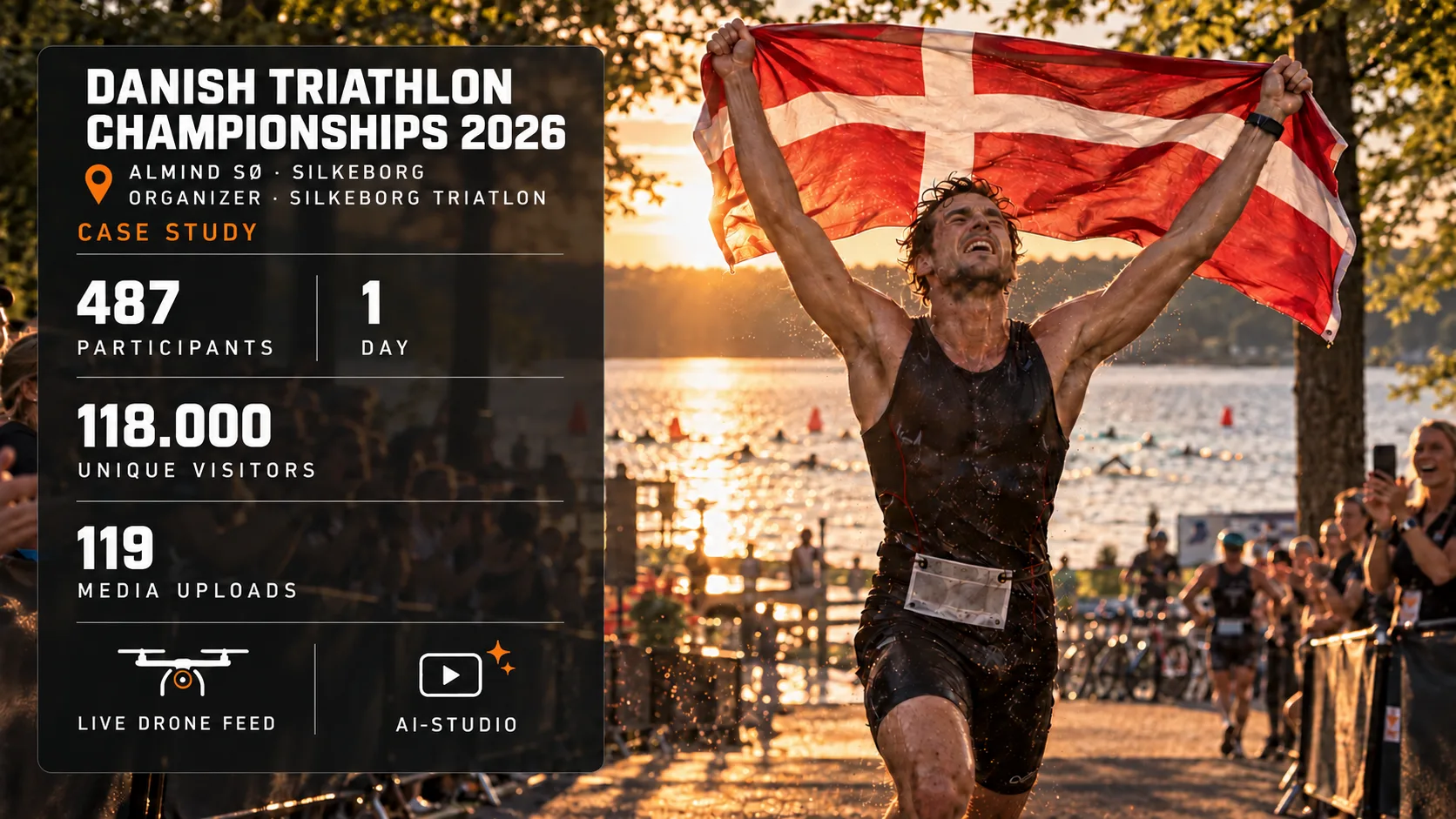
Across 14 days and 1,001.4 kilometres through Denmark, DanishUltra connected the event field, live positions, organizer operations, audience activity and event media in one continuous experience.
Choose the level that fits your event today, then add audience, media and AI-powered production as your coverage grows.
Track and operate the event
24 hours per event license
Add audience engagement, media and sponsor value
48 hours per event license
Create an automated live event production
48 hours per event license
Operate federations, event series and destination platforms
For destinations, organizations & partners
Exact integrations and production configurations can vary by event. We confirm the practical setup with your team before race day.
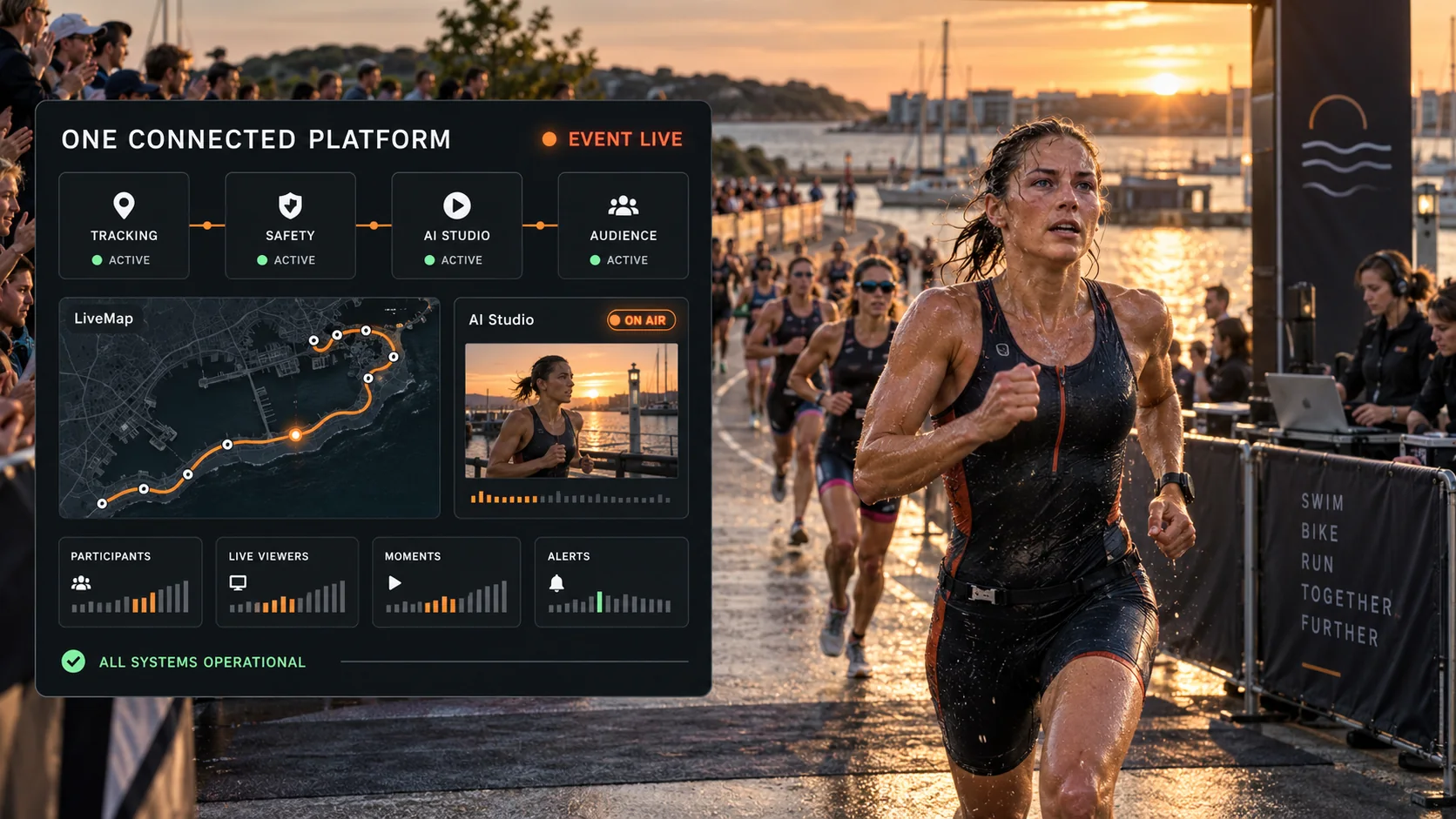
Track participants, monitor safety, engage audiences and let AI Studio produce the live story while your team focuses on the event.
Tell us about your event, and we will help you select the right setup.